> ## Documentation Index
> Fetch the complete documentation index at: https://docs.metz.sh/llms.txt
> Use this file to discover all available pages before exploring further.
# Flows-102
> Anatomy of a Flow
We haven't covered the [standard library](https://localhost:3002/standard-library#flow) yet, but for now, here are the basics: `std` is a globally available
module, there to help you interact with the runtime.
You create flows using `std.flow`. It takes two parameters:
1. Name of the flow
2. An instance of a class
`std.flow` lets you go through the looking glass. It lets you provide a new [state machine](/runtime#state-machines) to the runtime, such that
when it [ticks](/runtime#tick), it manages this newly given state machine as well.
## FlowExecutor

`std.flow` returns a `FlowGenerator`, which is an object that closely resembles the class instance that you provided.
With one key difference, it still has methods, but all of them are `FlowFunction`s.
This is as close as we can get to referring the underlying state-machine. A `FlowFunction` represents a factory that
can produce one.
It returns a `ScheduledFlow` if a schedule is provided to `std.flow`, or a `FlowExecutor` if not.
When you don't provide a schedule to `std.flow` and call a `FlowFunction`, you get a `FlowExecutor`. This is a handle that encapsulates work.
A `FlowExecutor` doesn't start its work unless explcitly told to do so. It has two function through which
you can start execution:
```typescript theme={null}
interface FlowExecutor {
run(): void;
await(): RT;
}
```
We will look at `await` in next section.
The type argument `RT` captures the return type of the [FlowFunction](/flows-102#flowfunction) that spawned it, `M` we can ignore for now.
Given a `FlowExecutor` is a handle, we can do this:
```typescript theme={null}
class Main {
hello() {
const flow = std.flow("Print!", this).world("Hello");
this.print(flow); //We didn't call 'run' on flow, but gave it to 'print'.
}
world(arg: string) {
std.log(`${arg} World!`);
}
// This takes a flow, and simply runs it.
print(flow: std.FlowExecutor) {
flow.run();
}
}
```
Try this code in the [playground](https://app.metz.sh/try) to see what happens!
You can pass around flows like values, but be mindful of type arguments. They are essential to creating
the call graph.
## Scheduled Flows
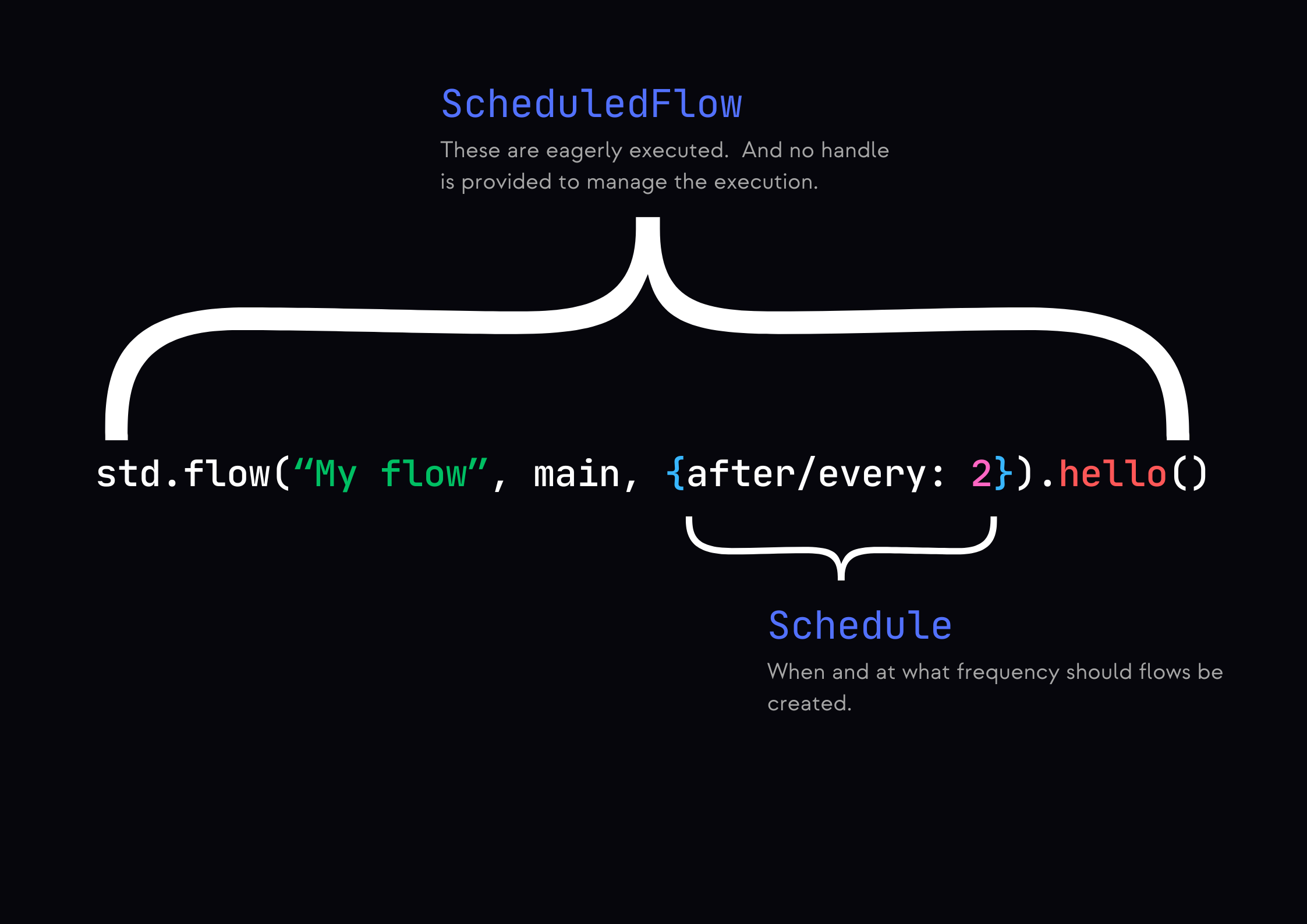 You can provide a schedule to `std.flow` to get a `ScheduledFlow`. A `schedule` is an object and it can
have either of the following keys:
Start the flow after given number of `ticks` have passed.
Start a flow every time given number of `ticks` pass.
A `ScheduledFlow` is evaluated immediately, and it begins its work in the same tick it's created.
You can provide a schedule to `std.flow` to get a `ScheduledFlow`. A `schedule` is an object and it can
have either of the following keys:
Start the flow after given number of `ticks` have passed.
Start a flow every time given number of `ticks` pass.
A `ScheduledFlow` is evaluated immediately, and it begins its work in the same tick it's created.
Check out the [playground](https://app.metz.sh/try?templateId=4) to see how we can emulate a polling job using it.